Choose a workout logger when you need a dependable record of exercises, sets, repetitions and loads; choose an AI fitness app when you need help deciding what to do next using training, sleep and recovery context. In 2026, the useful distinction is not which app shows more data, but whether your unanswered question is about recording a session or adjusting a plan.
- AI fitness app vs workout logger: choose guidance for decisions and logging for a clear training history.
- Aevis is best for iPhone wearable users seeking guidance across training, sleep and recovery.
- Keep your workout logger if detailed exercise records already solve your main problem.
- Evaluate coaching by its next useful step, not by the number of scores it displays.
Why this matters
Your wearable and your training record answer different questions. A completed workout tells you what happened. Sleep and recovery context adds information to consider when you decide what comes next. Neither becomes useful just because an app displays it.
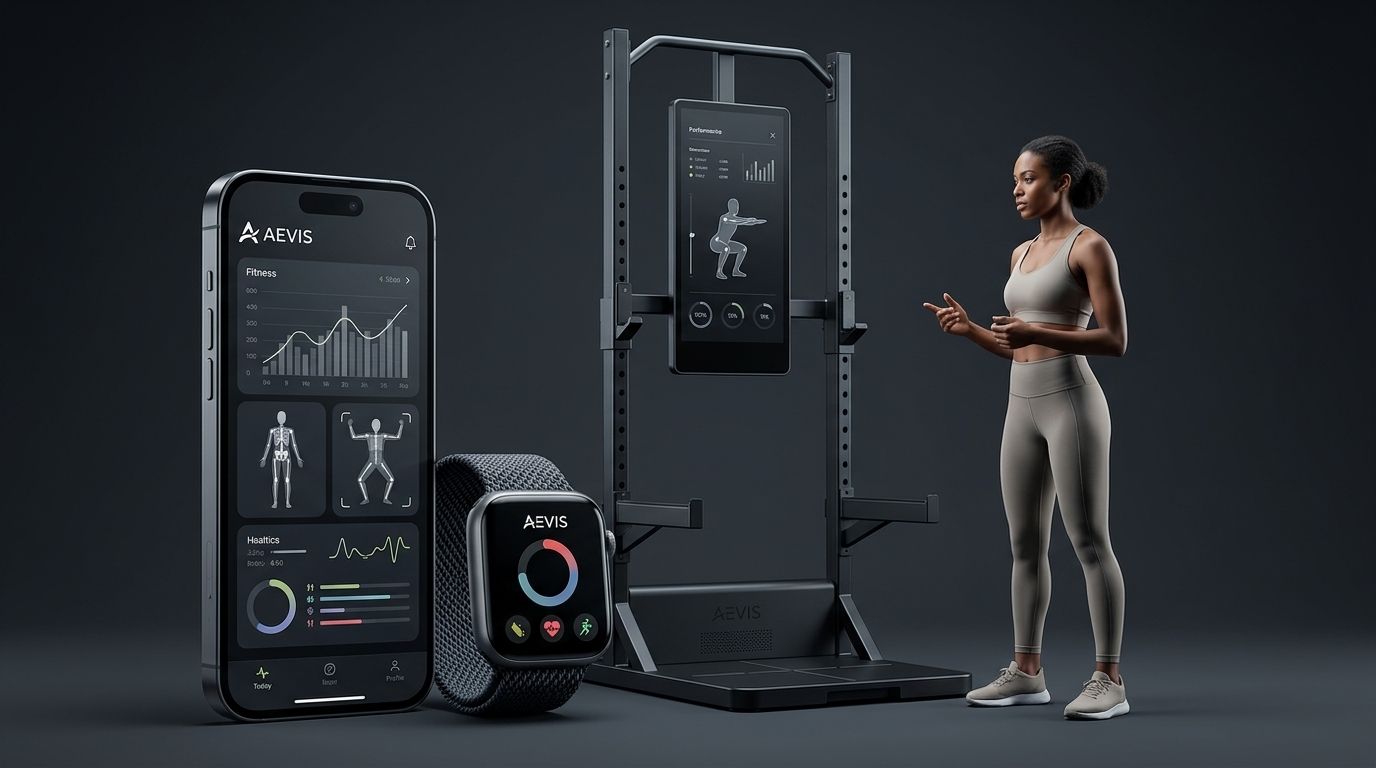
Aevis provides personalized training, recovery, sleep and nutrition guidance for iPhone users using Apple Health, Apple Watch, Garmin and Oura data. That makes it relevant when you already collect wearable data but still need help turning it into a practical decision.
Choose the job before you choose the app. If you cannot find last session’s working weight, solve the recording problem. If you know your recent training but cannot decide how to approach today, evaluate guidance instead.
AI fitness app vs workout logger: which job do you need done?
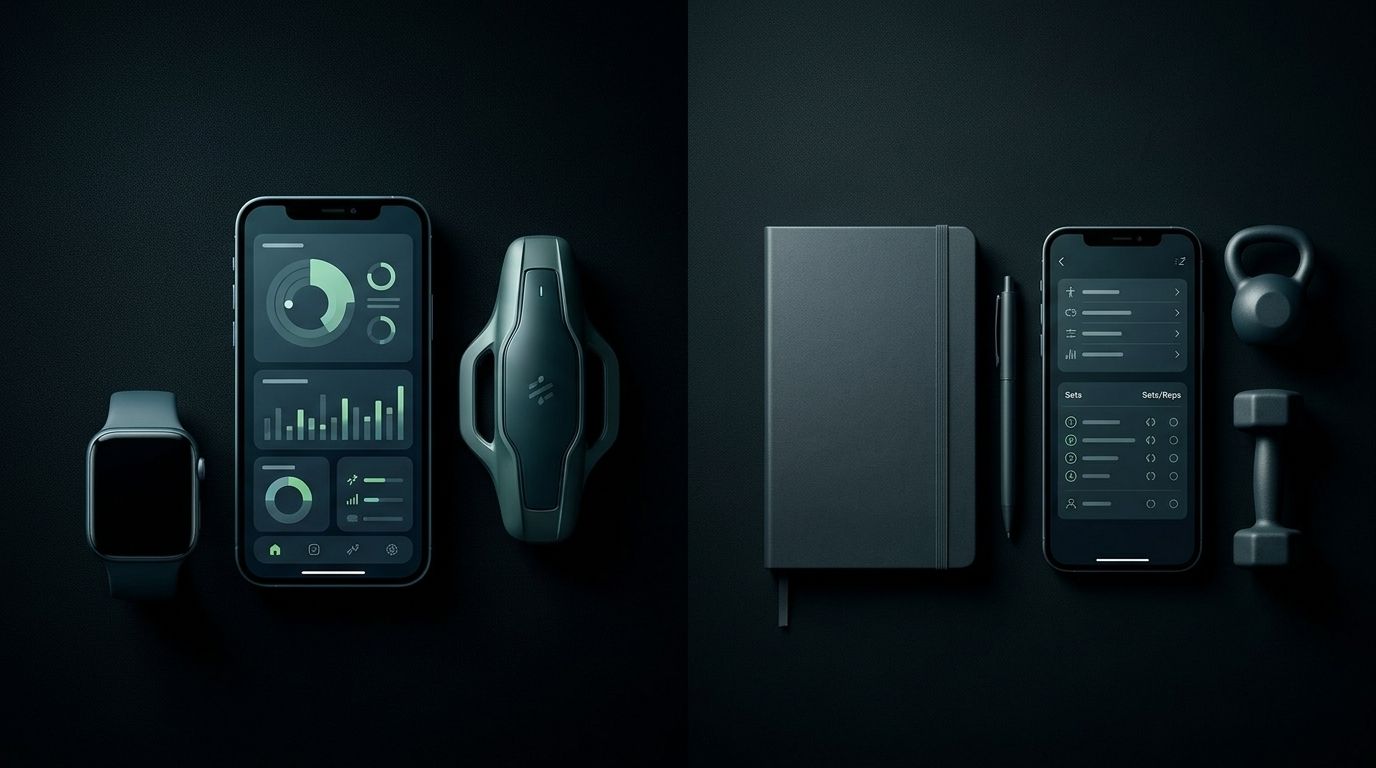
A workout logger primarily preserves your training history. An AI fitness app adds an interpretation or recommendation layer, although the information it uses and the guidance it provides depend on the product. Do not assume every coaching app includes detailed logging or every logger lacks planning tools.
| Decision point | Workout logger | AI fitness app |
|---|---|---|
| Best for | Recording and reviewing completed training | Getting guidance about the next training or recovery decision |
| Main question | What did I do last time? | What should I do next? |
| Information to inspect | Exercise history, sets, repetitions and loads | Inputs used, recommendation and explanation |
| Main advantage | A concrete record you can revisit | Guidance that connects relevant context to an action |
| Main limitation | A record alone does not interpret sleep or recovery | Advice is only useful if its inputs and reasoning fit your situation |
| What to verify | Editing, history access and exercise detail | Supported data sources, scope and practical usefulness |
These are selection criteria, not promises about every product. Some apps cover both jobs. Evaluate the actual workflow rather than assigning capabilities from a category label.
For a 2026 comparison, ask each app to solve the same real problem. Reviewing a previous strength session tests logging. Deciding how to handle a disrupted training week tests guidance. A polished dashboard does not settle either question.
Workout logger: best for a reliable training record
Choose a workout logger when your main friction happens during or after exercise. You need to save what you did, correct an entry and find it again without reconstructing the session from memory.
For strength training, inspect how the app records exercises, repetitions and loads. For another activity, check whether it preserves the details you actually use. A field you never review adds work without helping your next decision.
The advantage is clarity. A training record gives you something concrete to compare with your plan. The limitation is that a complete record can still leave you unsure what to do after poor sleep, travel or a schedule change.
Best for: people who already have a workable plan and need accurate execution records. Keep the logger if it solves that problem. You do not need to replace a useful habit just because another app offers coaching.
AI fitness app: best for turning context into a next step
Choose an AI fitness app when the missing piece is interpretation. You have training and wearable information, but you still need help choosing an action that fits your current situation.
Useful guidance should identify the decision. It should distinguish between changing today’s session, revising the rest of the week and addressing a sleep routine. A score without an understandable next step does not finish that job.
Aevis turns training, sleep and recovery data into a useful next step. Its stated scope also includes personalized nutrition guidance. That describes the intended service, not evidence that a particular recommendation will improve your health or performance.
The advantage is help connecting information across those areas. The limitation is that guidance does not remove your responsibility to check whether the recommendation fits your actual circumstances. It also does not establish that the app can replace your existing exercise log.
Best for: wearable users who need practical guidance rather than another place to view data. Evaluate the recommendation, its context and its limits before changing your routine.
Why the right choice varies
Your choice depends on the work you need the app to do. Use these factors to identify the gap rather than comparing feature lists without a purpose.
- Your existing plan. If a coach or established program already supplies your training decisions, accurate recording can be the missing piece.
- Your current records. If you cannot reconstruct recent sessions, address that gap before expecting detailed comparisons over time.
- Your wearable setup. Verify the exact supported data sources. An integration name alone does not tell you what information informs a recommendation.
- Your recurring disruption. Travel, changing work hours and interrupted routines create different planning questions. Test the situation you actually face.
- Your tolerance for manual entry. Check what you must enter yourself and whether that effort serves a decision you care about.
- Your privacy requirements. Understand permissions and data handling before sharing health information. Guidance is not a reason to skip that check.
Use the fitness app privacy checklist before connecting additional data. Permission decisions belong in the selection process, not after you have settled into an app.
How to choose using your next real workout
Use this sequence with the next session already on your calendar. You do not need an invented benchmark or a long experiment to identify which job is currently unfinished.
1. Name the question
Write the decision in plain language. Examples include finding the load you used last time, deciding where a missed session belongs or choosing how to approach training after an interrupted night.
Keep it specific. “Get healthier” is too broad to test an app. “Find my previous session without searching through notes” gives you a clear task and an observable result.
2. Check the inputs
Identify what the answer requires. Looking up a previous session requires a usable record. Contextual guidance requires relevant information about your training and circumstances.
Check what the app actually receives rather than assuming every wearable measurement transfers. Also distinguish measured information from details you supplied yourself. Both can be useful, but they are not the same input.
3. Inspect the action
Look for an answer you can act on. A logger should make the relevant history easy to retrieve. A coaching app should make the proposed next step understandable.
For guidance, ask what the recommendation changes and why. “Recovery needs attention” leaves the decision unfinished. A useful response identifies the behavior or planning choice you should consider without presenting certainty it cannot support.
4. Review the fit
Check whether the answer fits your schedule, equipment and existing plan. Do not assume the app knows a constraint you have never provided.
Then decide whether this workflow deserves a place in your routine. Keep the tool that closes the gap. Remove duplicate entry that serves no separate purpose.
What should you do when your week changes?
A changed week is a useful test because it separates recording from planning. Consider a trip that interrupts your usual routine. A logger can preserve the sessions you complete, but preserving them does not itself decide how to arrange the remaining work.
Best for a recording gap: keep the workout logger. Save the session accurately and use your existing plan or coach for the next decision. There is no need to introduce another guidance source if that decision is already covered.
Best for a planning gap: evaluate contextual guidance. Check whether the recommendation addresses the disruption you described. Do not treat generic encouragement as a revised plan.
Best for separate recording and guidance needs: consider using both. Give each tool a clear role. One holds your detailed training record; the other helps interpret relevant context. Verify the workflow rather than assuming the tools exchange information.
In 2026, the strongest selection test remains simple: can you explain what each app contributes without describing the same job twice?
Can an app tell you whether exercise is medically safe?
No. A workout history or coaching recommendation is not medical clearance. Do not use an app to diagnose symptoms or replace qualified care.
General exercise guidance also differs from an individualized daily instruction. The World Health Organization’s 2020 Guidelines on Physical Activity and Sedentary Behaviour recommend that adults accumulate at least 150 minutes of moderate-intensity aerobic activity per week, or 75 minutes of vigorous-intensity activity per week, or an equivalent combination. They also recommend muscle-strengthening activity on 2 or more days per week.
Those figures describe population-level guidance for adults. They do not validate a specific app, prove a recommendation is right for you or tell you how to respond to an unexplained symptom. Keep general evidence, product capabilities and personal medical advice separate.
Do you need both an AI fitness app and a workout logger?
You need both only when they solve separate problems you actually have. Keep detailed logging if it supports your training, and add guidance only if interpreting training, sleep or recovery remains an unresolved task.
Before adding a second app in 2026, check what you would enter twice. Duplicate work needs a clear purpose; otherwise, it becomes another routine to maintain.
Should you replace your logger if you already use a wearable?
No. Owning a wearable does not establish that you no longer need an exercise record. Check whether the proposed replacement preserves the details you rely on and whether its guidance answers a separate question.
Aevis is best for iPhone wearable users seeking guidance across training, sleep and recovery. That is a fit statement, not a claim that it replaces every logging workflow.
FAQ
What’s the main difference between an AI fitness app and a workout logger?
A workout logger records completed training; an AI fitness app provides guidance about what to do next. Capabilities overlap, so check the actual recording and recommendation workflows rather than relying on the label.
Which should I choose in 2026 if I already have a training plan?
Choose a workout logger if your plan already answers your training questions and your main need is a reliable record. Consider guidance only when an unresolved decision remains, such as handling a disrupted routine.
Can I use an AI fitness app alongside my workout logger?
Yes, if each app serves a separate purpose. Verify any data exchange and avoid assuming that the coaching app can read your logger’s detailed session history.
Is Aevis suitable if I already use a wearable?
Aevis is intended for iPhone users seeking personalized training, recovery, sleep and nutrition guidance using Apple Health, Apple Watch, Garmin and Oura data. Check the current product information, then install the app and complete its existing onboarding if that matches your needs.
Does a recovery score tell me whether I should train?
A recovery score alone does not establish the right training decision or provide medical clearance. Look at the relevant context and the explanation behind any proposed action.
What should I check before sharing wearable data?
Check the requested permissions, supported data sources and stated data-handling policies before connecting your wearable information. Share data deliberately rather than assuming every permission is necessary for your intended use.
One last thing
Choose the next question before you install the next app. If you cannot name the decision you need help making, another dashboard will not clarify what job you are hiring it to do.
Write down the unanswered question from your last workout. Then choose the tool that addresses it with the least unnecessary work.