
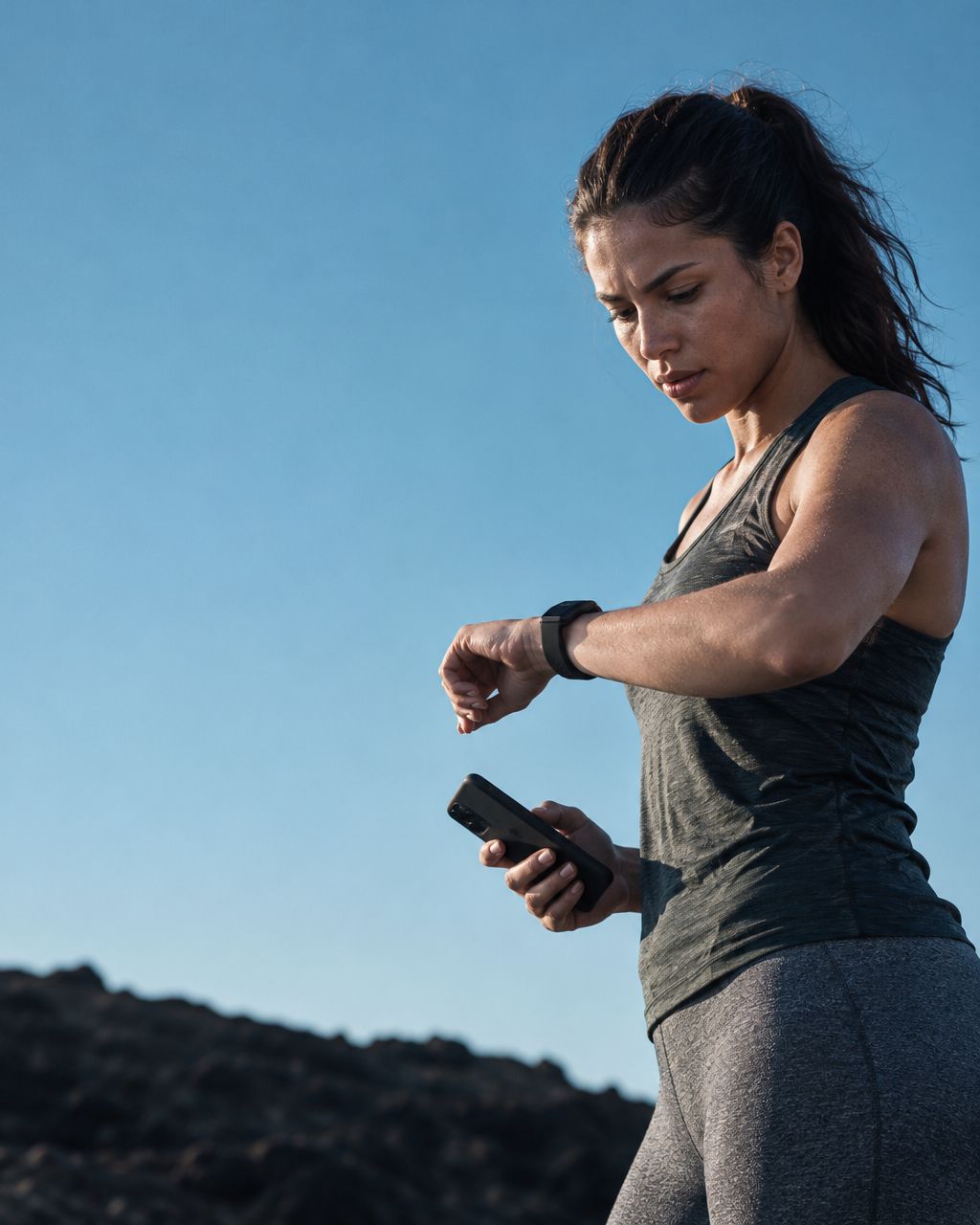
For Apple Watch users, an AI fitness app is a planning tool that connects recorded activity with your goals and daily constraints. Choose one that explains its recommendations, identifies missing information and helps you decide what to do next—not one that simply adds another score.
- Choose an AI fitness app by the decision it helps you make, not the number of charts.
- Apple Health permissions and data sources determine what an app can actually use.
- Aevis supports Apple Watch users seeking connected training, sleep and recovery guidance.
- Missing sleep data is missing context, not evidence that you are ready for a hard workout.
Why this matters for Apple Watch users
Your watch records activity. Your calendar sets demands. Neither automatically explains how today's workout fits a short night, a busy afternoon or a change in equipment. The useful question is not whether you can collect more information. It is whether you can make a clearer choice with the information you already have.
The Aevis guide to AI fitness, sleep and recovery describes this distinction: connected guidance considers your goals, supported health data and real-life constraints together. It does not turn a wearable into a medical assessment.
In 2026, compare the specific workflow behind an AI label. Look for a visible connection between the information available, the explanation given and the action suggested. A recommendation you cannot question is harder to use responsibly than one whose assumptions are clear.
Choose an AI fitness app with this practical checklist
Start manually. Use Apple Health to inspect available records, write down your next training decision and describe your constraints in plain language. You can then judge whether an additional app removes effort or just repeats information.
1. Name the decision you want help making
Choose a situation before choosing software. Perhaps you want help reorganizing a week when meetings move, understanding differences between similar sessions or preparing a question about recovery. These are different jobs, and an app that handles one does not automatically handle the others.
Write a short example brief: you have 20 minutes today instead of your usual session, your equipment has changed and you want to preserve the purpose of the workout. The time is an example constraint, not a recommended exercise dose. A useful response should address that constraint directly.
Use the same brief when comparing options. Otherwise you risk choosing the app that produces the longest answer rather than the one that solves your problem.
- State the decision in one sentence.
- Name your goal and training experience.
- Describe the time and equipment available.
- Say what has changed since the original plan.
2. Check what your watch actually recorded
Before asking an app to interpret your week, inspect the underlying records. Apple explains that Health organizes information from different sources and lets you review which devices and apps contribute to a category. A number in Health is not proof that every connected app can read it.
Open a relevant category and look at the dates and sources. A gap should remain a gap. Do not manually enter a guessed sleep duration just to make a dashboard appear complete, and do not assume an old record represents last night.
As of this guide's October 2026 review, Apple's documentation describes Data Sources & Access as the place to inspect contributing sources within a category. Exact screens can differ with your software version. Check Apple's current instructions if the labels on your phone differ.
- Confirm that the record exists for the relevant day.
- Identify the device or app that supplied it.
- Note missing nights or unrecorded workouts.
- Separate measured records from details you entered yourself.
3. Review permissions before sharing more data
Apple Health access is not an all-or-nothing promise of compatibility. Apple's security documentation distinguishes permission to read data from permission to write it, with access controlled by data type. An app can only work with the supported information you allow it to access.
Start with the permissions relevant to the job you identified. Read the explanation for each request and the app's privacy information. More permissions do not automatically mean more useful guidance, and Apple Health access does not explain a third-party app's separate storage or deletion practices.
Aevis is an AI fitness app designed to connect supported health context with your goals. Check its current setup and release information rather than assuming that every Apple Watch metric appears in the conversation or automatically changes your workout.
- Review requested categories individually.
- Distinguish reading existing records from writing new ones.
- Check how to change permissions later.
- Read the app's explanation of storage and account deletion.
4. Test the explanation with a real scenario
A useful response should show its reasoning in language you understand. Ask which information influenced the suggestion, what was missing and what would change the recommendation. The app should distinguish your own description from a recorded observation.
For example, describe a week with shorter sleep, a changed schedule and a planned demanding session. Ask what information is needed before deciding how to approach that session. You are testing whether the app recognizes uncertainty—not asking it to medically clear you for exercise.
Aevis suits Apple Watch users who want an AI fitness app that connects training, sleep and recovery context to a practical next step. Its limitation is equally important: the available guidance depends on supported features, relevant data and the context you provide. It does not replace qualified care or hands-on coaching.
- Ask which records informed the answer.
- Ask what information the app lacks.
- Request an explanation in plain words.
- Reject diagnostic certainty from an everyday coaching conversation.
5. Check whether the advice fits your actual day
A technically detailed answer can still be unusable. If you describe a hotel gym, a short break between meetings or no access to your usual equipment, the response should address that reality. A plan you cannot carry out is not a useful next step.
Test a second example with 30 minutes available and a different set of equipment. Again, this is a sample planning constraint, not a prescription. Check whether the answer preserves your stated goal, explains any trade-off and asks about relevant unknowns rather than inventing your training history.
Avoid treating more detailed exercise instructions as proof of accuracy. Specific numbers need a basis, especially when they concern intensity, progression or symptoms. A confident instruction is not evidence by itself.
- Specify the equipment you have, not what you usually use.
- Give a realistic time limit.
- Describe relevant preferences and constraints.
- Ask which part of the original plan the alternative preserves.
6. Return with feedback and check continuity
The first answer shows how an app starts. A follow-up shows whether it supports an ongoing decision. Tell it what you actually did, what changed and what you want help reviewing next.
A practical evaluation can use a 7-day observation window to check usability, not fitness outcomes. Record whether guidance was understandable, whether missing data was acknowledged and whether you had to repeat essential context. Seven days cannot establish a health benefit or prove that a training method works.
Aevis describes continuity and follow-up as part of its product approach. Verify those behaviors in your own app experience. Do not assume the app remembered a detail until its response makes that clear.
- Describe the session you completed, not only the plan.
- Add how the suggestion fit your schedule.
- Correct assumptions that were wrong.
- Ask for the next review point and what to bring back.
Compare options by the job you need done
You do not necessarily need another app. A manual review is a valid choice when you want to understand existing records. An AI coaching app becomes more relevant when your difficulty is connecting those records with a changing plan.
| Option | Best for | Useful strength | Key limitation |
|---|---|---|---|
| Apple Health with a written note | Reviewing records and your own observations | Lets you inspect available categories and contributing sources | You must connect the records with your planning question yourself |
| Aevis | Connected training, sleep and recovery guidance | Brings goals, supported health context and constraints into planning conversations | Guidance depends on available features and data; it is not medical care |
| A fixed written workout plan | Following a predefined routine | Keeps the intended sessions clear | Does not interpret changing circumstances by itself |
| A qualified trainer | Hands-on coaching and individualized exercise instruction | Can observe technique and discuss your situation directly | Requires a suitable professional and an arrangement that fits your schedule |
For a 2026 app comparison, check the current release rather than relying on an old screenshot. This guide is a selection framework, not an independent clinical evaluation or a claim that one option is best for everyone.
Common mistakes Apple Watch users should avoid
Assuming permission proves data arrived. Review the relevant records and the app's own explanation of what it can use. An enabled connection does not fill historical gaps or guarantee that every category is supported.
Treating missing data as a reassuring result. No recorded sleep is not the same as a good night's sleep. Tell the coach what is missing instead of letting an incomplete dashboard imply certainty.
Using a score as permission to ignore symptoms. An everyday readiness indicator is not medical clearance. Seek qualified advice for concerning symptoms rather than trying to settle the question with another app answer.
Judging the app by answer length. A short explanation that names a constraint can be more useful than a detailed routine built on assumptions. Look for a clear action and a reason you can inspect.
Changing everything before reviewing anything. If the app suggests several changes, ask which one addresses your main constraint first. This is a way to keep a planning conversation understandable, not a promise that changing one variable guarantees better results.
Sources and scope
Apple's Health data management instructions explain contributing sources, categories and app settings. Its health-data access security guide explains category-specific read and write permissions. Both were consulted for this guide on October 16, 2026; neither source evaluates the effectiveness of an AI fitness coach.
Product descriptions here come from the official Aevis guide. They describe intended functions, not independent outcome evidence. This article provides general product-selection guidance and does not diagnose conditions, prescribe treatment or guarantee training, sleep or recovery results.
FAQ
What should Apple Watch users look for in an AI fitness app?
Look for supported data access, understandable explanations and guidance that fits your actual constraints. The app should identify missing information rather than present an incomplete record as certainty.
Does Apple Health access mean an app can read everything?
No. Access is controlled by data type and permission, and the app must support the information it requests. Permission to read data is different from permission to write it.
Can an AI fitness app help if I did not wear my watch overnight?
It can still support a planning conversation using the information you provide, but the missing night remains missing data. It must not treat that gap as measured sleep or recovery.
Is an AI fitness app better than a fixed workout plan?
Choose by the job you need done. A fixed plan provides a routine; an AI coaching app is more relevant when you need help discussing changing goals, schedules and supported health context.
How does Aevis fit an Apple Watch routine?
Aevis is designed to bring supported Apple Health context together with training goals and real-life constraints. Verify available categories and features in the current app rather than assuming every watch metric is used.
Can an AI fitness coach replace a doctor or personal trainer?
No. AI guidance does not replace medical assessment or hands-on technique coaching. Use qualified support when the question requires clinical judgment or direct observation.
How should I evaluate an app during the first week?
Evaluate clarity, relevance, permission controls and whether follow-up uses the context you supplied. A short usability review does not demonstrate health benefits or prove a training outcome.
One last thing
Before downloading anything, write the question your current setup cannot answer. Then check whether the app handles that exact question without inventing missing information. A useful next step is worth more than another unexplained score.
If that missing piece is connected planning, explore Aevis, complete the app's existing setup and review the supported sharing options before asking your first specific question. Keep the goal narrow: understand what informed the answer and whether the next step fits your day.