An AI fitness app fits wearable users who want training, sleep, and recovery context connected to their next decision; ChatGPT fits questions you can explain clearly in a conversation. Choose by the context the product actually receives and the follow-through you can sustain—not by how convincing one answer sounds.
- AI fitness app vs ChatGPT comes down to usable context, clear decisions, and follow-through.
- Aevis suits iPhone wearable users seeking personalized training, sleep, recovery, and nutrition guidance.
- ChatGPT suits focused fitness questions when you supply the relevant background.
- Compare both against the same real situation before sharing more personal data.
Why this matters
Your wearable can record a busy week without explaining how to plan the next workout. A conversational answer can sound personalized while leaving out the training or sleep information you never supplied.
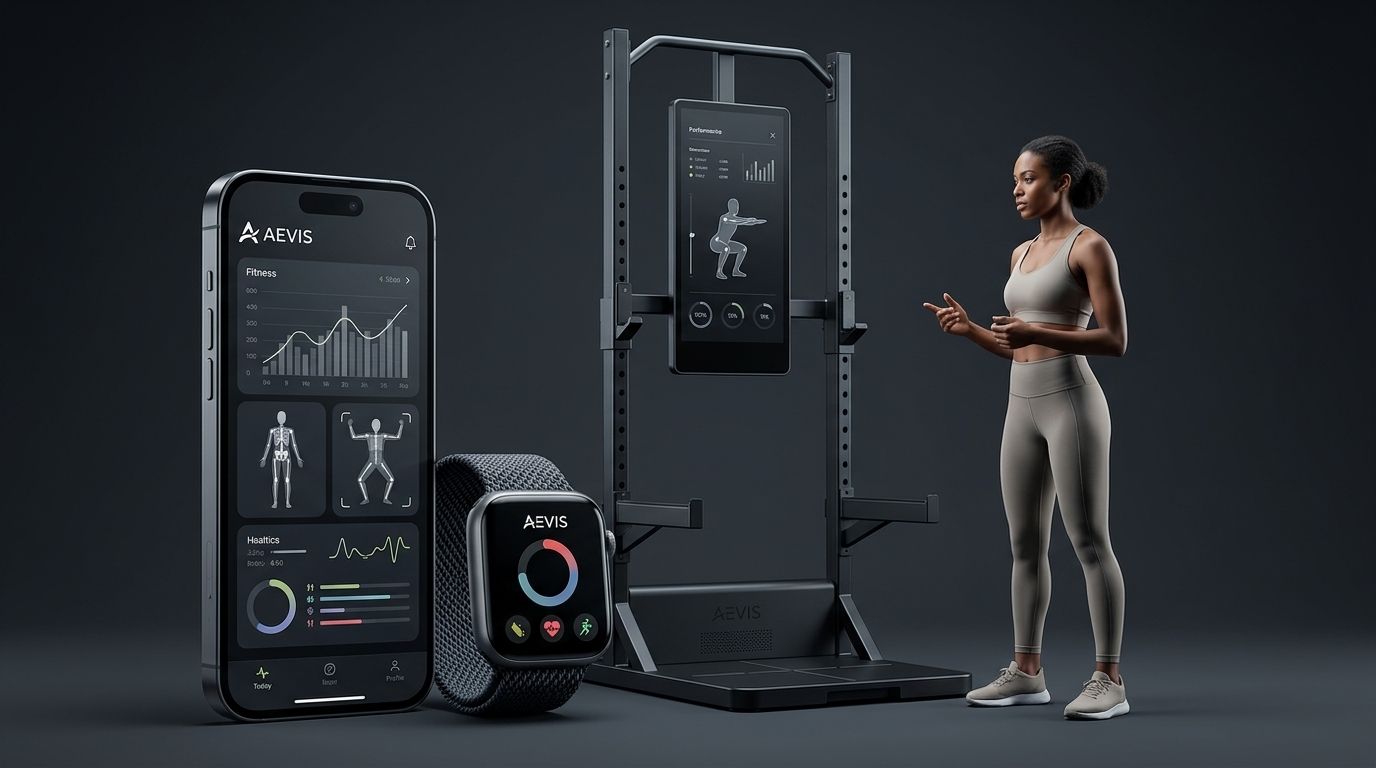
Aevis is a health and fitness coaching app by Speediance that uses Apple Health, Apple Watch, Garmin, and Oura data to give iPhone users personalized guidance. That stated use of wearable data is relevant to this comparison. It does not establish that every recommendation is correct or that you should follow advice without checking it.
For your 2026 shortlist, ask a narrower question: which approach helps you make a sensible decision with less repeated explanation?
AI fitness app vs ChatGPT: which fits your routine?
An AI fitness app is the better fit when its supported data and guidance match your recurring decisions. ChatGPT is the better fit when you want to discuss a specific question and can provide the necessary context. Neither label proves that the resulting advice fits you.
| Decision criterion | Dedicated AI fitness app | ChatGPT |
|---|---|---|
| Best for | Repeated training and recovery decisions within the app’s stated scope | Focused explanations and conversations based on supplied context |
| Context to check | Which wearable sources and information the app actually uses | What information is available in your particular conversation |
| Practical advantage | A fitness-specific workflow can organize relevant inputs | You can frame a narrow question and ask follow-up questions |
| Practical limitation | Supported inputs and guidance differ between apps | You need to check whether important background is missing |
| Follow-through test | Does the workflow help you revisit what happened? | Can you return with an outcome and explain what changed? |
| Safety boundary | Guidance is not a diagnosis or qualified care | A conversational answer is not a diagnosis or qualified care |
This is a workflow comparison, not a claim that every fitness app connects to wearables or that every ChatGPT setup has identical capabilities. Check the exact product and account you intend to use in 2026.
Before choosing, separate three tasks: understanding a concept, deciding what to do, and reviewing the result. One useful explanation does not demonstrate that a product handles all three.
A dedicated AI fitness app: best for recurring wearable-based decisions
A dedicated app earns its place when relevant information reaches the guidance without you rebuilding the whole story each time. Start with the sources you already use. Check the supported connection, the information involved, and what you must still enter yourself.
Aevis is best for iPhone wearable users who want personalized training, sleep, recovery, and nutrition guidance from their health data. Its stated scope matches that use case. It is not a substitute for a clinician or a qualified professional assessing your individual needs.
The benefit to look for is a shorter path from context to a useful next step. The limitation is equally important: a supported data source does not prove that every relevant detail is available or interpreted correctly.
Before committing, ask:
- Does the app support the wearable source you actually use?
- Can you identify what information informed the guidance?
- Does the recommendation account for your current goal and constraints?
- Can you distinguish recorded information from your own explanation?
- What must you do manually to keep the context accurate?
Do not assume reminders, automatic workout changes, or ongoing outcome tracking exist unless the product explicitly describes them. Evaluate the workflow you can use, not the workflow you imagine.
ChatGPT: best for focused questions with explicit context
ChatGPT fits a bounded conversation: explaining a training term, organizing questions for a coach, or discussing a plan you describe. The useful input is not simply your goal. It is the goal plus the circumstances that affect the question.
For example, asking how to organize a disrupted training week is more specific than asking for the best workout. State your available time, planned sessions, equipment, and what changed. Ask the response to distinguish supplied facts from assumptions.
The advantage is flexibility within the conversation. The trade-off is context management: check what the conversation actually contains instead of assuming it knows your recent training or wearable history.
A useful prompt structure is:
My goal is [your goal]. My recent training was [your actual sessions]. My schedule changed because [your constraint]. Help me compare the options for my next session. Identify missing information and do not treat wearable data as a diagnosis.
Fill those fields with your own information. Leave out details that are not needed for the question. A longer prompt is not automatically a better one; relevant context matters more than volume.
Why the usefulness of fitness guidance varies
The difference between tools becomes clearer when you inspect the inputs and the decision, rather than the writing quality. Use these factors for a 2026 comparison:
- Available context. A recommendation cannot account for information that is absent from the interaction. Check what is recorded, connected, or manually supplied.
- Your actual question. Explaining a training concept is different from adjusting a week around changing work hours. Judge the answer against the task you asked it to solve.
- Practical constraints. Equipment, available time, travel, and preferences belong in the decision. Advice you cannot carry out is not useful guidance.
- Visible assumptions. Look for a clear distinction between your information and an inference. Ask for clarification when a recommendation relies on an unexplained premise.
- Follow-through effort. Count the work required to report what happened and ask the next question. Include manual entry, not just the speed of the first answer.
- Boundaries. Useful guidance stays within its scope. Do not treat confident language as evidence that a tool can assess symptoms or provide medical clearance.
No single factor settles the choice. A connected app still needs usable guidance, and a detailed conversation still needs accurate context.
Test context and follow-through with your next few sessions
Use a small, repeatable comparison instead of requesting an entirely new training plan. For your 2026 evaluation, choose a situation you already need to handle: a changed schedule, unfamiliar equipment, or a question about your existing routine.
1. Set the question
Choose one decision. For example: “How should I organize my planned workouts around a shorter training window?” Keep the goal and constraints the same when comparing tools.
Avoid making the test a contest for the most detailed answer. You want a usable decision, an understandable explanation, and clear limits.
2. Check the inputs
Write down what each tool actually has. Separate connected wearable information from details you typed yourself. Do not assume a connection supplies every metric or your complete history.
Set a 10-minute setup limit as a personal trial rule. This is not a performance benchmark; it is a way to notice whether maintaining context fits your schedule.
3. Review the action
Ask each tool to state the proposed next action, the information supporting it, and what remains uncertain. Reject answers that ignore a constraint you supplied or introduce facts about you that you did not provide.
Prefer an answer you can evaluate. “Adjust your routine” is vague. Explaining which part of your existing schedule needs attention gives you something concrete to discuss.
4. Record the outcome
After the session, note what you actually did and what differed from the plan. Keep observation separate from interpretation. “I ended the session early” is an observation; the reason needs its own explanation.
Compare the workflow across 3 planned sessions. This is a suggested evaluation period, not evidence that a product improves fitness within that span.
5. Revisit the decision
Bring the outcome back into the next interaction through the workflow the product actually supports. Check whether you must repeat earlier context and whether the next answer recognizes the correction.
At the end of 2 weeks, decide whether the tool reduces repeated explanation and produces guidance you understand. Do not use this short trial to claim a health or performance improvement.
What does good follow-through actually look like?
Good follow-through means the next decision reflects what happened, not just what was planned. Check whether the workflow lets you supply an update, correct a misunderstanding, and understand the revised guidance.
A polished initial plan is not enough. If you skip a session because your schedule changes, the next interaction should start from the actual week you had. You should not have to pretend the original plan happened.
Keep a brief record of the decision, the action, and the outcome. This gives you a consistent way to compare tools without assuming either product stores or reviews that information automatically.
Should you share all your wearable data?
No. Start with the information needed for the task and inspect the data permissions before connecting accounts or uploading records. More information is not a reason to skip a privacy check.
For a 2026 review, read the current product documentation and your account settings. Check what you share, the stated purpose, and the available controls. Do not assume two services handle the same information in the same way.
Use the guide to checking an AI fitness app’s privacy before sharing sensitive records. If the explanation does not answer your question, resolve that uncertainty before proceeding.
FAQ
What's better for me: an AI fitness app or ChatGPT?
Choose an AI fitness app for recurring decisions when its supported inputs and workflow fit your needs; choose ChatGPT for focused questions you can explain clearly. Compare the context available and the effort needed to revisit an outcome.
Can ChatGPT use the same wearable information as a fitness app?
Check the exact information available in your ChatGPT setup rather than assuming it matches a dedicated app. A wearable connection in one product does not establish what another product receives.
Who is Aevis for?
Aevis is for iPhone users seeking personalized training, recovery, sleep, and nutrition guidance using Apple Health, Apple Watch, Garmin, and Oura data. Its stated purpose is guidance, not diagnosis or a replacement for qualified care.
How long should I compare the two approaches?
Use 2 weeks as a practical workflow trial, not a health-outcome test. Compare how clearly each approach handles your question, your corrections, and the result of your actions.
Do I need to share my complete health history?
Start with the information needed for the question rather than sharing everything. Review the service’s current privacy documentation and account controls before supplying sensitive information.
Can either tool replace a personal trainer or clinician?
Do not treat either tool as a replacement for qualified assessment or care. Use the conversation to organize questions and understand guidance, not to obtain a diagnosis or medical clearance.
What should I do when the recommendations disagree?
Compare the inputs, assumptions, and constraints behind each recommendation before acting. If the disagreement concerns symptoms, injury, or medical restrictions, take the question to a qualified professional.
One last thing
Test the correction, not just the recommendation. Tell the tool when a detail is wrong or a planned session did not happen. Then inspect the next answer. That reveals whether the interaction remains useful after real life changes the plan.
If the wearable-based approach fits your needs, review Aevis and follow its existing installation and onboarding instructions. Check the requested permissions before continuing. Keep your first question narrow enough that you can judge whether the guidance answers it.
Review your next step
Explore wearable-based training, sleep, and recovery guidance for iPhone users.