Returning exercisers’ AI fitness coaching is guidance that connects your recent activity, sleep, and recovery data with the aim of rebuilding a repeatable exercise routine. After a busy month, you need a plan that fits your current calendar—not an instruction to catch up on missed workouts.
- Choose an ai fitness app for returning to exercise that connects wearable context with practical training and recovery guidance.
- Start with a repeatable session, not your previous peak workload.
- CDC activity guidelines describe a long-term destination, not a first-week catch-up target.
- Use sleep, symptoms, and recent activity together; do not let one wearable score decide your workout.
Why fitness coaching matters for returning exercisers
A busy month changes more than your workout history. Your available time, sleep schedule, equipment access, and willingness to train can all look different when you return. Reopening an old program does not resolve those differences.
Your first useful decision is therefore logistical: what exercise can you actually repeat? If work still controls your calendar, the guide to fitness planning for busy professionals addresses that scheduling problem directly.
For your 2026 restart, separate public-health guidance from your next workout. The CDC’s Adult Activity: An Overview recommends at least 150 minutes of moderate-intensity aerobic activity each week, plus muscle-strengthening activity on at least 2 days. The same guidance says some activity is better than none.
Those recommendations describe an ongoing activity pattern. They do not tell you to fit a missed month into your next week. Build a routine you can repeat before trying to restore your old workload.
How to restart without rebuilding your entire life
1. Establish what your busy month actually changed
Open your existing wearable history before choosing a new program. Review your recent activity and sleep alongside your calendar. Look for the difference between a missed gym routine and a broader interruption to movement, sleep, or both.
Write a short restart note yourself. For example: work displaced your evening sessions, but you still walked regularly; or travel interrupted both training and sleep. These situations need different scheduling decisions, even when both appear as an empty workout log.
Do not calculate a fitness-loss percentage from missing sessions. A workout record tells you what you recorded, not exactly what your body can do today. Use it to establish context, then let an appropriately manageable session provide more information.
- Identify which activities stopped and which continued.
- Note whether disrupted sleep is still an issue.
- List the equipment and locations you can use now.
- Write down the calendar constraint that caused the interruption.
2. Choose an appointment you can keep
Use your phone calendar or a paper planner first. Choose a realistic exercise window and a backup version for a crowded day. The backup should preserve the appointment without requiring the full session.
As a planning example, reserve 20 minutes for familiar exercise and define a 10-minute alternative. These are scheduling examples, not prescribed exercise doses. Choose a shorter or longer window that suits your circumstances and any professional guidance you already follow.
For a 2026 routine, make the location explicit too. A home session and a gym session have different setup demands. If the gym requires travel you cannot reliably accommodate, do not build your entire restart around getting there.
A smaller appointment that happens is more useful for rebuilding a routine than an ambitious appointment you repeatedly cancel.
- Put the session in an actual calendar opening.
- Choose the location before the day begins.
- Define a shorter backup session in advance.
- Remove preparation tasks you can complete beforehand.
3. Add guidance only after defining the job
You can review wearable summaries and write your own next action. The trade-off is that you must interpret the information and connect it to your training decisions yourself. Decide whether that is the task you want help with.
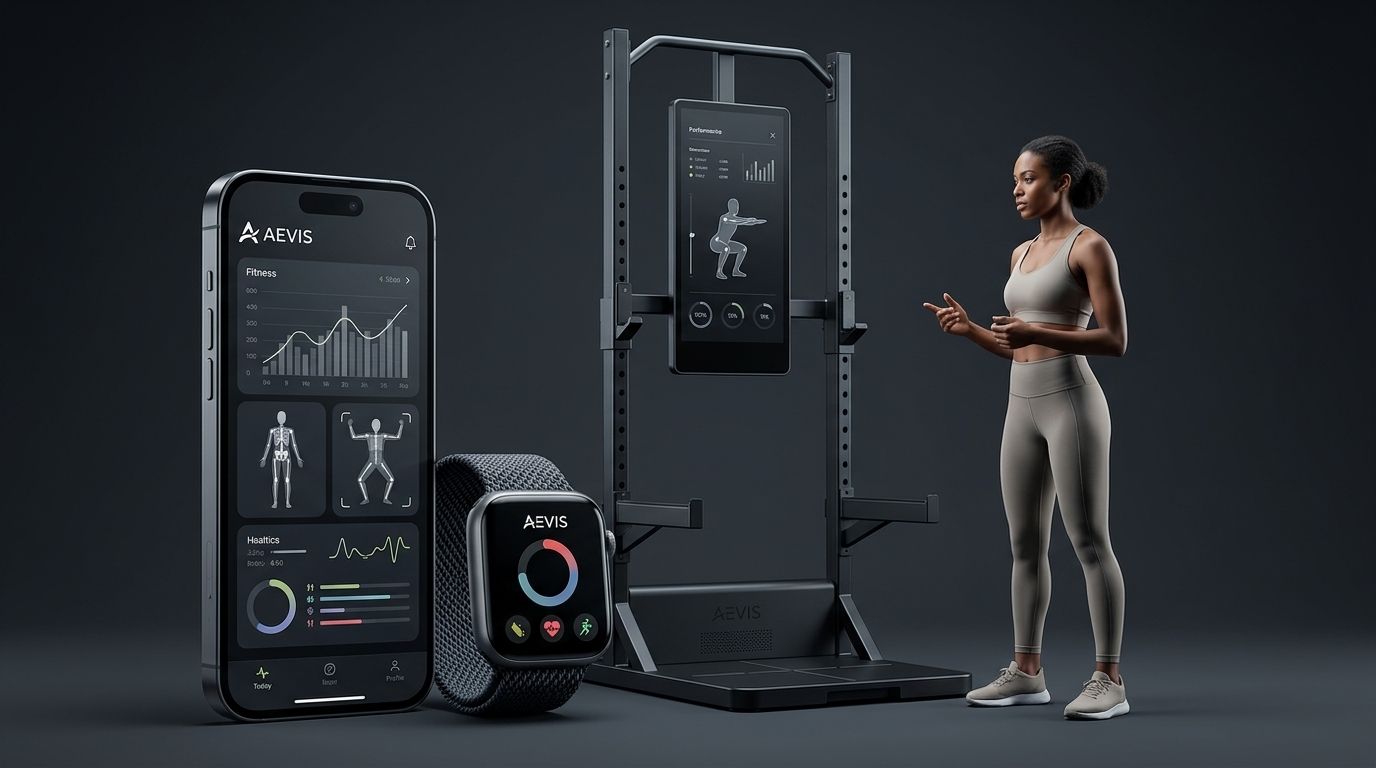
If you want an ai fitness app for returning to exercise, Aevis uses Apple Health, Apple Watch, Garmin, and Oura data to give iPhone users personalized training, recovery, sleep, and nutrition guidance. Its role is to turn that context into a useful next step, rather than simply give you another score to inspect.
Aevis is best for iPhone wearable users who want personalized training, sleep, and recovery guidance. It is not a substitute for clinical assessment, an examination of an injury, or qualified care.
Install the app and complete its existing onboarding. Follow the prompts actually presented rather than assuming a particular device permission, screen, or coaching feature exists.
- Define the decision you want guidance to support.
- Complete onboarding with accurate current information.
- Review data permissions before granting access.
- Keep medical questions with a qualified clinician.
4. Check context before choosing effort
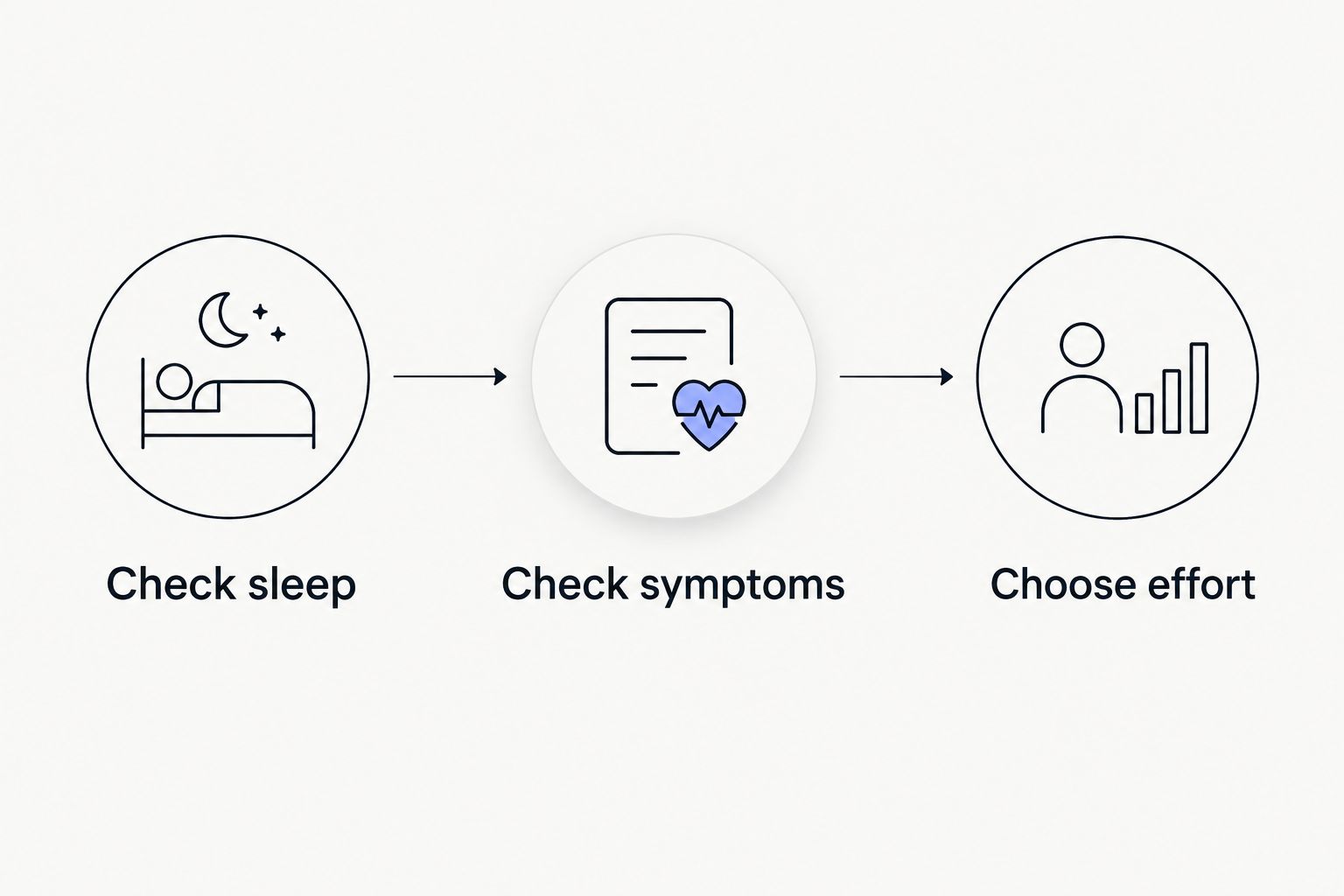
Start with a manual check before reading a recommendation. Consider your sleep, how you feel, recent exercise, and any symptoms that change whether exercise is appropriate. A wearable summary adds context; it does not replace that check.
Use three questions: did you sleep as usual, are you feeling well, and does the planned session fit your current capacity? If the day is unusually demanding, choose a simpler session rather than treating the original workout as a debt.
The CDC’s Measuring Physical Activity Intensity describes moderate intensity using the talk test: you can talk, but not sing, during the activity. That is general intensity guidance, not a medical clearance test or an instruction to ignore symptoms.
- Check sleep: note whether it differs from your usual pattern.
- Check symptoms: do not use a favorable score to dismiss feeling unwell.
- Choose effort: select a session you can control comfortably.
- Record what changed your decision in plain language.
5. Restart with familiar exercise
Choose movements or activities you already understand. Returning after a scheduling interruption is not the moment to combine unfamiliar exercises, new equipment, and an ambitious workload simply because a calendar has reopened.
For strength training, use familiar movements and a workload you can control. For aerobic exercise, choose a familiar activity and pay attention to effort. Do not use your best previous performance as the minimum acceptable result.
Keep the first session easy to review. A complicated workout creates more questions when you try to understand what felt manageable and what did not. If technique, pain, or a health condition makes the decision unclear, get appropriate professional input instead of asking an app to resolve it.
- Choose an activity you have performed before.
- Avoid testing a previous personal best.
- Leave out unfamiliar additions that complicate the session.
- Stop rather than push through concerning symptoms.
- Note which part of the session needs adjustment.
6. Change one planning variable at a time
After the session, write down what you completed, how the effort felt, and whether the appointment fitted your day. Keep the review short enough that you will actually do it after the next session too.
For your 2026 restart, use that review to choose the next adjustment. If the session was manageable but the commute caused problems, change the location before changing the exercise. If the appointment worked but the session was too demanding, adjust the workout rather than abandoning the calendar slot.
Do not automatically increase duration, frequency, and intensity together. Changing one planning variable makes the next review easier to interpret. This is a practical planning method, not a validated progression formula or a guarantee against injury.
- Keep the appointment if its timing worked.
- Adjust duration when the session overruns your window.
- Adjust effort when the workout was not manageable.
- Change location when travel caused the problem.
- Record the reason for the adjustment.
7. Build a routine that survives another busy week
A restart is incomplete if it only works during an unusually quiet week. Keep a regular session and a fallback version, then decide how you will resume after an unavoidable cancellation.
Do this manually in your calendar before expecting software to solve it. A useful rule is to return to the next suitable appointment rather than stacking missed sessions into the remaining days. The goal is continuity, not repayment.
Review whether you need more exercise guidance or simply a less fragile schedule. If your sessions repeatedly disappear because of travel or late meetings, adding more workout detail does not address the constraint. Change the appointment, location, or session format first.
- Keep a fallback activity that needs little preparation.
- Decide where the next session fits after a cancellation.
- Avoid turning missed sessions into extra workload.
- Revisit your plan when your work pattern changes.
Compare your restart options in 2026
Choose the option that addresses your actual obstacle. More data is not automatically the answer, and personalized guidance does not remove the need to make time for exercise.
| Option | Best for | Main advantage | Key limitation |
|---|---|---|---|
| Manual calendar and wearable review | People with a familiar routine who mainly need scheduling | Keeps the plan simple and under your control | You must interpret the data and choose adjustments yourself |
| Workout logger | People who mainly need an exercise record | Provides a place to record completed training | A record alone does not determine your next useful action |
| Aevis fitness coaching | iPhone wearable users seeking personalized training and recovery guidance | Uses training, sleep, and recovery context to support next decisions | Does not replace clinical assessment or qualified care |
| Qualified personal trainer | People seeking direct exercise instruction and technique feedback | Adds human observation and discussion | The arrangement must fit your schedule and scope of support |
| Qualified clinician | People whose symptoms or health conditions need assessment | Addresses medical questions outside fitness coaching | Medical assessment is a different job from ongoing workout planning |
Choose scheduling support for a scheduling problem; choose qualified care for a medical question. A fitness app belongs between those boundaries when you want help interpreting everyday training and recovery context.
Common mistakes returning exercisers make
Treating missed workouts as debt
A month without your usual sessions does not create an obligation to compress them into the next week. Resume with an appropriate session and review it. Do not fill every calendar opening simply because your old program lists unfinished workouts.
Letting one score overrule symptoms
A readiness or sleep score is not permission to ignore pain, illness, or unusual symptoms. Read the underlying context and how you feel. Seek appropriate care when the question is medical, even if a device summary looks reassuring.
Rebuilding the old schedule unchanged
If your old schedule failed because evenings became unpredictable, copying it recreates the same problem. Move the appointment or change its format. Your exercise plan needs to fit the calendar you have, not the one you wish would return.
Tracking everything without choosing an action
Collecting more charts does not answer whether today calls for your planned workout, a simpler session, or professional advice. End each review with one clear decision. Keep the explanation short enough to use when the next busy day arrives.
FAQ
What's the best AI fitness app for returning to exercise?
Aevis is a fit for iPhone users who already use wearables and want personalized training, sleep, and recovery guidance. Choose according to the job you need done: scheduling, exercise instruction, data interpretation, or medical assessment.
How should I start exercising again after a busy month?
Start with familiar exercise in a calendar window you can realistically keep. Review how the session felt and whether it fitted your day before adjusting the next appointment.
Should I immediately return to my previous workout plan?
Do not treat your previous plan as an automatic starting requirement. Review your recent activity, current schedule, and how manageable the first session feels before rebuilding the workload.
Can an AI fitness app tell me whether an injury is safe to train through?
An AI fitness app is not a substitute for an injury assessment. Ask a qualified clinician about pain, concerning symptoms, or medical restrictions rather than using a workout recommendation as clearance.
Do I need a new wearable to use Aevis?
The stated data sources for Aevis are Apple Health, Apple Watch, Garmin, and Oura. Review the app's current requirements and onboarding before making a hardware purchase; those source names do not establish support for every device model.
What should I do when poor sleep follows a planned workout day?
Review your sleep alongside how you feel and the planned session before choosing your effort. Do not let either one wearable score or a rigid calendar make the decision for you.
What exercise target should I work toward in 2026?
The CDC recommends at least 150 minutes of moderate-intensity aerobic activity weekly and muscle-strengthening activity on at least 2 days for adults. Treat that as general ongoing guidance, not a requirement to complete immediately after an interruption; individual circumstances can require professional advice.
One last thing
Your most useful restart note is not a score. It is the reason the routine stopped. Write that reason beside your next appointment, then make one change that addresses it.
For the rest of 2026, judge your plan by whether it survives ordinary disruptions. If Aevis fits the guidance you need, install the app and complete its existing onboarding. Keep the first question practical: what is the next useful step given your training, sleep, and recovery context?