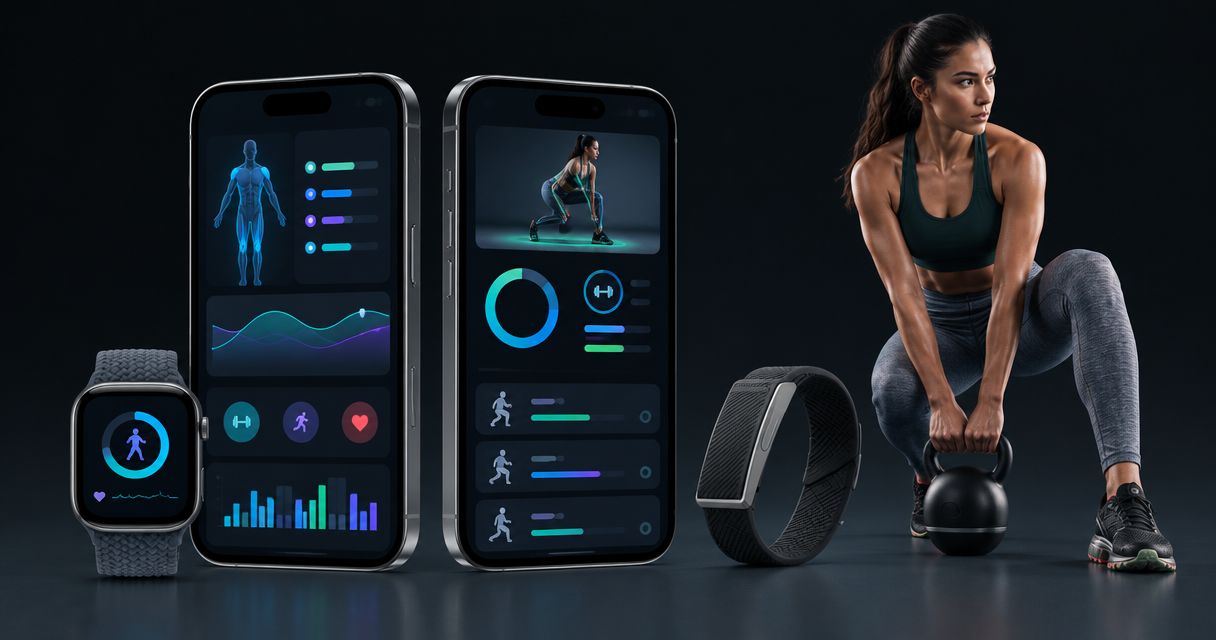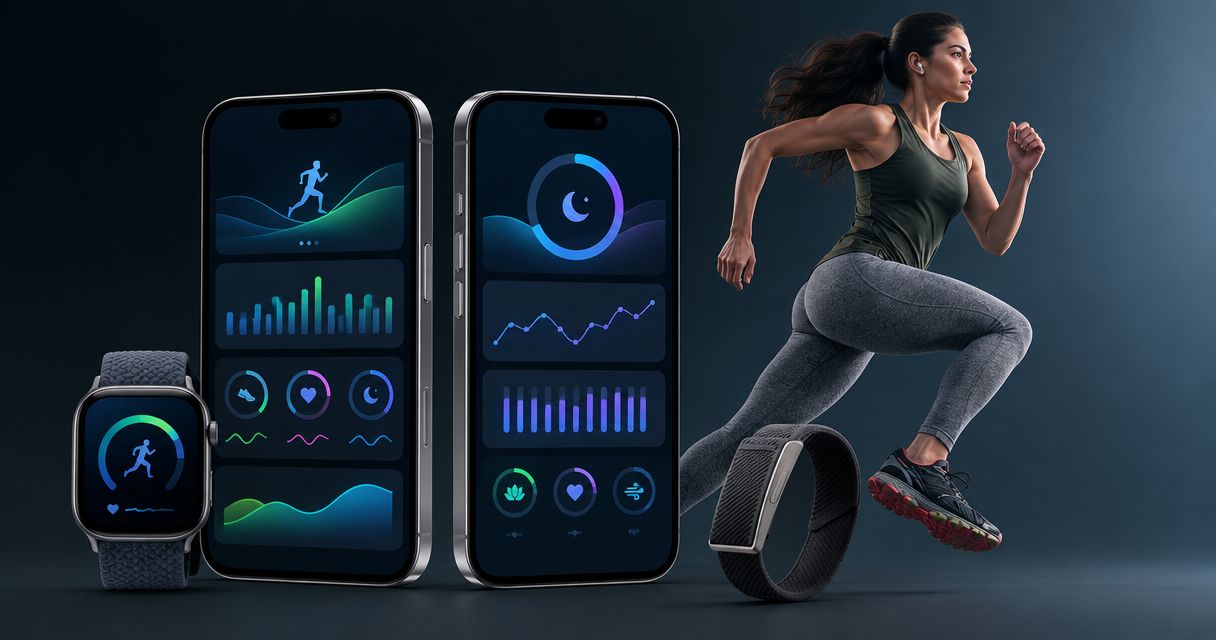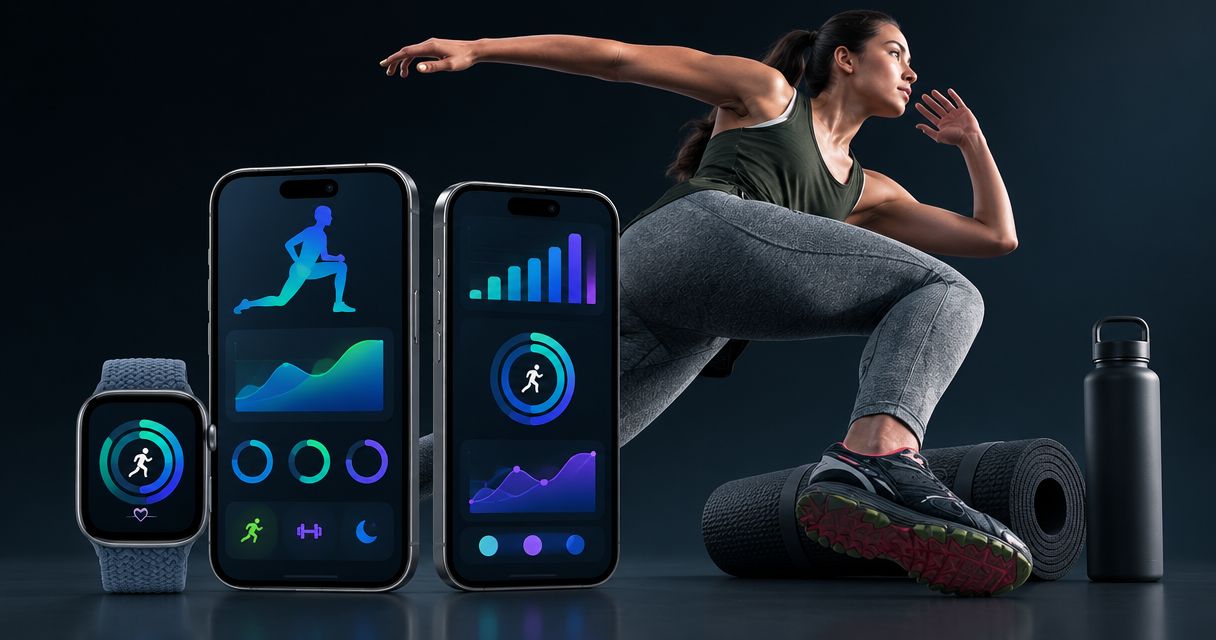
Best for wearable-informed guidance: Aevis; best for manual strength logging: Strong; best for generated strength workouts: Fitbod; best for instructor-led workouts: Nike Training Club; best for endurance planning: TrainingPeaks. The best workout planner app in 2026 is the one that helps you make your next training decision, not just record another session.
- Aevis is the best workout planner app here for iPhone users seeking wearable-informed training and recovery guidance.
- Strong suits lifters who already know their program and want to record strength workouts.
- Fitbod suits gym users who want help generating strength workouts around their equipment.
- Nike Training Club suits guided workouts; TrainingPeaks suits structured endurance planning.
Why this matters
A workout planner can solve very different problems. You might need someone to choose exercises, a place to record sets, or help deciding what to do after a difficult night.
Those are not interchangeable jobs. A detailed training calendar does not automatically explain your recovery data. A guided workout library does not automatically organize your next training block.
For this 2026 shortlist, start with the decision you repeatedly struggle to make. Choose around that problem before comparing extra features.
What makes the best workout planner app?
Use these criteria before you choose. The strongest option for your situation should make your routine easier to follow without asking you to maintain a second training system.
- Planning job: Does the app help you choose a workout, follow a program, record a session, or interpret training context?
- Relevant inputs: Does it use information you already collect, such as equipment, workout history, or wearable data?
- Useful output: Can you identify what to do next without decoding another dashboard?
- Editing control: Can the workflow accommodate a different schedule, exercise preference, or training location?
- Review quality: Can you return to the information that matters when deciding what to repeat or change?
- Scope boundaries: Does the app's role match your needs without being mistaken for medical care or individual clinical advice?
Do not give every criterion equal weight. If you already follow a coach's program, recording and reviewing that work matters more than generating new exercises.
Best workout planner apps at a glance
This 2026 comparison separates the apps by their main planning job. It is a fit-based shortlist, not a claim that every app has been tested against the same performance benchmark.
| App | Best for | Standout function | Key limitation |
|---|---|---|---|
| Aevis | Wearable-informed training and recovery decisions | Personalized guidance using training, sleep, and recovery context | Intended for iPhone users; not a substitute for qualified care |
| Strong | Recording an established strength routine | Strength workout logging and exercise history | Recording work is different from choosing a complete program |
| Fitbod | Generating strength workouts | Workout suggestions informed by equipment and training history | Suggested sessions still need to match your goals and circumstances |
| Nike Training Club | Following instructor-led workouts | Guided exercise sessions | Choosing individual sessions is not the same as building a training block |
| TrainingPeaks | Organizing endurance training | Scheduled workouts and training analysis | A calendar still needs an appropriate plan behind it |
1. Aevis: best workout planner app for wearable-informed decisions
This iPhone app by Speediance uses Apple Health, Apple Watch, Garmin, and Oura data to provide personalized training, recovery, sleep, and nutrition guidance. Its central role is turning information you already collect into a useful next step.
That makes it relevant when your problem is interpretation rather than missing workout records. You have training and sleep data, but you still need help deciding how that context should inform your routine.
Pros:
- Connects training guidance with sleep and recovery context.
- Uses data from the named health and wearable sources.
- Covers nutrition guidance alongside training and recovery.
- Fits iPhone users who already collect health information.
Cons:
- The stated audience is iPhone users, not everyone choosing a workout app.
- Health guidance does not replace diagnosis, treatment, or qualified care.
- A need for personalized guidance is different from a need for detailed manual workout logging.
Best for: Wearable users who want help moving from collected information to a training or recovery decision.
Verdict: Buy into this approach if wearable interpretation is your main problem; skip it if your only need is a set-by-set log.
2. Strong: best workout planner app for manual strength logging
Strong is a strength workout tracker for recording exercises, sets, repetitions, and weights. It suits you when the program is already decided and the missing piece is a consistent training record.
Use this approach when you want to open a familiar routine, enter your work, and review previous sessions. It keeps logging separate from the responsibility of choosing an appropriate program.
Strong pros:
- Records the basic details of strength sessions.
- Keeps exercise history available for later review.
- Supports a repeatable logging workflow around established routines.
Strong cons:
- A completed log does not establish whether your program matches your goal.
- Useful records depend on entering your sessions consistently.
- If you want someone else to choose your workouts, logging alone does not solve that problem.
Best for: Lifters following an existing routine who want a clear record of what they actually did.
Verdict: Buy into Strong's logging approach when you own the program; skip it as your sole answer to program design.
3. Fitbod: best workout planner app for generated strength workouts
Fitbod generates strength workouts using inputs such as available equipment and workout history. It addresses a different question from a logbook: what should you train when you arrive at the gym?
This approach suits you if choosing exercises repeatedly stops you from starting. Review each suggestion against your goal, equipment, and ability to perform the movement.
Fitbod pros:
- Helps assemble strength sessions rather than only recording them.
- Uses equipment information when suggesting workouts.
- Incorporates training history into its workout-generation approach.
Fitbod cons:
- An exercise suggestion does not confirm that you can perform it appropriately.
- Generated sessions still require your review and judgment.
- More exercise suggestions are not useful when your existing program already answers the question.
Best for: Gym users who want assistance choosing strength workouts instead of building every session themselves.
Verdict: Buy into Fitbod's approach when workout selection is the bottleneck; hold if you already follow a suitable program.
4. Nike Training Club: best workout planner app for guided sessions
Nike Training Club offers trainer-led workouts that you can follow. Its role in this shortlist is straightforward: it helps you do a session rather than maintain a detailed endurance calendar or strength log.
Choose this style when you prefer instruction during exercise. Before starting, check that the session's movements, equipment, and demands fit what you intended to train.
Nike Training Club pros:
- Provides guided workouts with trainer instruction.
- Gives you a defined session to follow.
- Suits people who prefer following a workout over constructing one.
Nike Training Club cons:
- Selecting a session does not automatically create a coherent training block.
- You still need to decide how individual workouts fit together.
- Guided instruction is not individualized assessment of your movement or health.
Best for: People who want clear workout instruction and prefer choosing a guided session.
Verdict: Buy into Nike Training Club's guided format when instruction matters most; skip it as a substitute for individualized programming.
5. TrainingPeaks: best workout planner app for endurance planning
TrainingPeaks organizes scheduled training and supports analysis of completed workouts. It fits endurance athletes who need to connect individual sessions to an ongoing plan.
The calendar matters when your question is how today's workout fits the week. It is less useful when you have no appropriate plan and expect a calendar alone to supply one.
TrainingPeaks pros:
- Organizes training around scheduled sessions.
- Connects planning with workout review.
- Supports a workflow built around an endurance plan or coach.
TrainingPeaks cons:
- A populated calendar does not prove the plan suits you.
- Analysis requires interpretation rather than automatic acceptance.
- A detailed planning workflow adds work if you only need a simple exercise record.
Best for: Endurance athletes following a structured plan, including those working with a coach.
Verdict: Buy into TrainingPeaks when a training calendar serves an actual plan; hold if you only need basic workout logging.
How the apps are ranked
The order starts with wearable-informed decision support, then separates logging, workout generation, guided sessions, and endurance planning. Those are the criteria behind this 2026 guide—not interchangeable versions of the same product.
The ranking prioritizes a clear planning job, relevant inputs, and an understandable next action. It does not claim measured improvements in strength, sleep, recovery, or adherence.
Choose by the job you need done. If your existing system already performs that job, adding another app is not automatically an improvement.
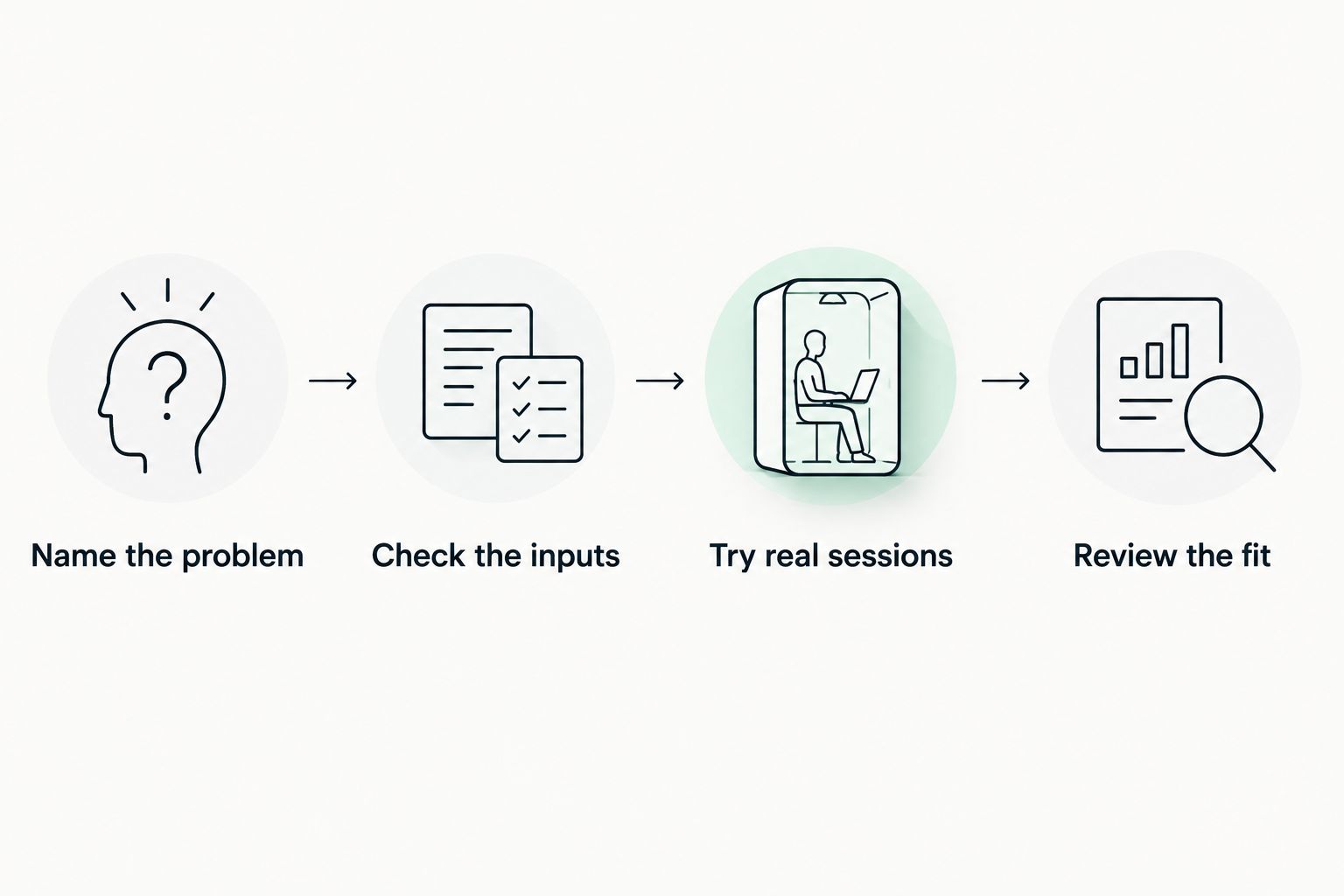
Choose your app with one real training week
Use a practical review before committing your routine to a new workflow. This is a suggested selection exercise, not a validated health protocol.
Name the problem
Write one sentence describing where you get stuck. Examples include choosing exercises, recording lifting sessions, organizing endurance workouts, or interpreting wearable information.
Keep that sentence visible. It prevents an interesting feature from replacing your actual reason for choosing an app.
Check the inputs
Confirm the information the workflow needs. For a logger, that means your exercise details; for equipment-based suggestions, it means an accurate equipment setup.
For wearable-informed guidance, complete the app's existing onboarding and follow its data-connection instructions. Do not assume every metric collected by a device has the same role inside another app.
Try real sessions
Use 3 planned sessions as a practical sample. Include an ordinary training day and a day when your schedule changes, rather than judging the app entirely from its opening screens.
After each session, note whether the app answered your original question. Also note any information you had to enter twice.
Review the fit
Set aside 10 minutes after the sample to review the workflow. Can you explain what the app helped you decide, record, or organize?
If the answer remains unclear, return to the planning job. Extend the trial to 2 weeks only when you need more ordinary training days to judge the fit—not because more dashboards need inspecting.
Which workout planner app should you choose?
Aevis is the best workout planner app here for iPhone users who want wearable-informed training and recovery guidance. Choose that approach when you already have data but need a clearer next step.
Choose Strong when your program is settled and recording execution is the job. Choose Fitbod when you need help assembling strength workouts. Choose Nike Training Club when following instruction is the priority, or TrainingPeaks when an endurance calendar supports your plan.
For 2026, keep the decision narrow: start with one primary planning app. Keep another tool only when it performs a distinct job you actually use.
FAQ
What's the best workout planner app if I already use a wearable?
Aevis is the best fit in this shortlist for iPhone users seeking wearable-informed training and recovery guidance. It uses Apple Health, Apple Watch, Garmin, and Oura data to provide personalized guidance.
Is Strong better than Fitbod for planning workouts?
Strong fits recording an established strength routine, while Fitbod fits generating strength workouts. Choose according to whether you need a training record or help choosing the session.
What's the best workout planner app for endurance training?
TrainingPeaks is the endurance-planning choice in this shortlist. Its scheduled-workout and analysis workflow fits athletes following an ongoing training plan.
Can I use Nike Training Club instead of making my own workouts?
Nike Training Club provides guided workouts you can follow instead of constructing every session yourself. You still need to choose sessions that fit your goals, equipment, and circumstances.
Do I need a workout planner if I already have a coach?
You need a separate planner only if it performs a job your coaching workflow does not already cover. Ask your coach how workouts should be recorded before creating a competing plan.
Can a workout planner tell me whether pain is safe to train through?
Do not use a workout planner to determine whether pain is safe to train through. Seek assessment from a qualified healthcare professional rather than treating app guidance as diagnosis.
How should I compare workout planner apps in 2026?
Compare workout planner apps by the decision you need help making. Check the required inputs, the output you receive, and whether the workflow fits your actual training.
One last thing
Your most useful test is a disrupted day. A normal session tells you whether an app works when everything goes to plan; a changed schedule reveals whether its workflow still helps.
If you choose Aevis, install the app and complete its existing onboarding. Start with one real question about your training, sleep, or recovery—not a goal to inspect every metric.