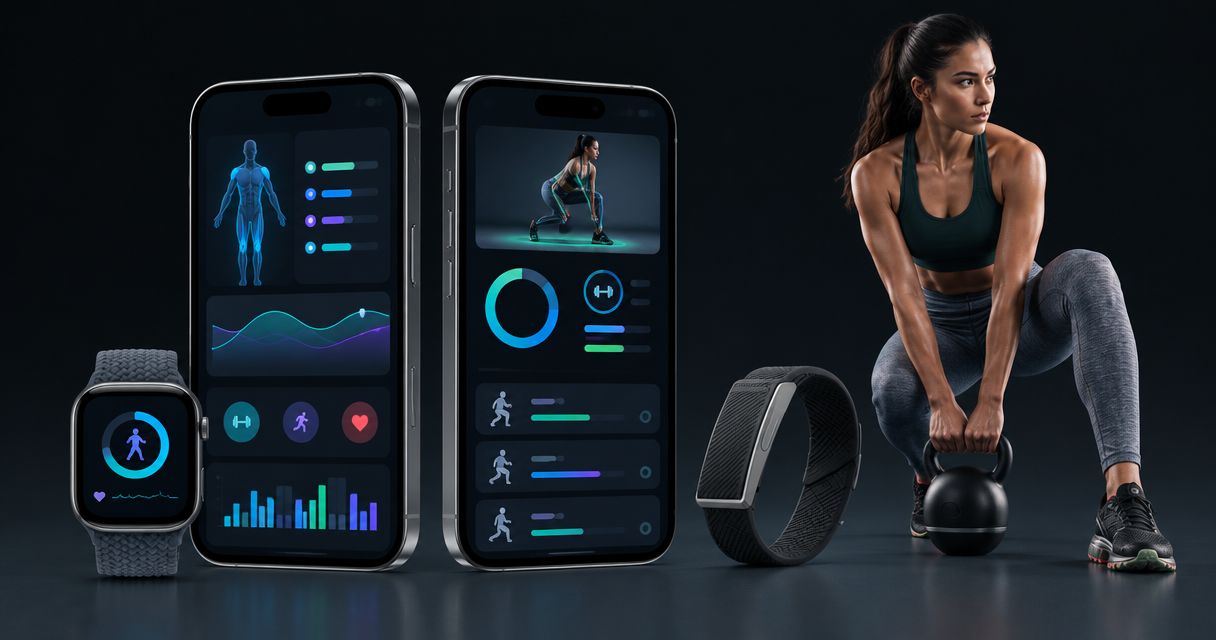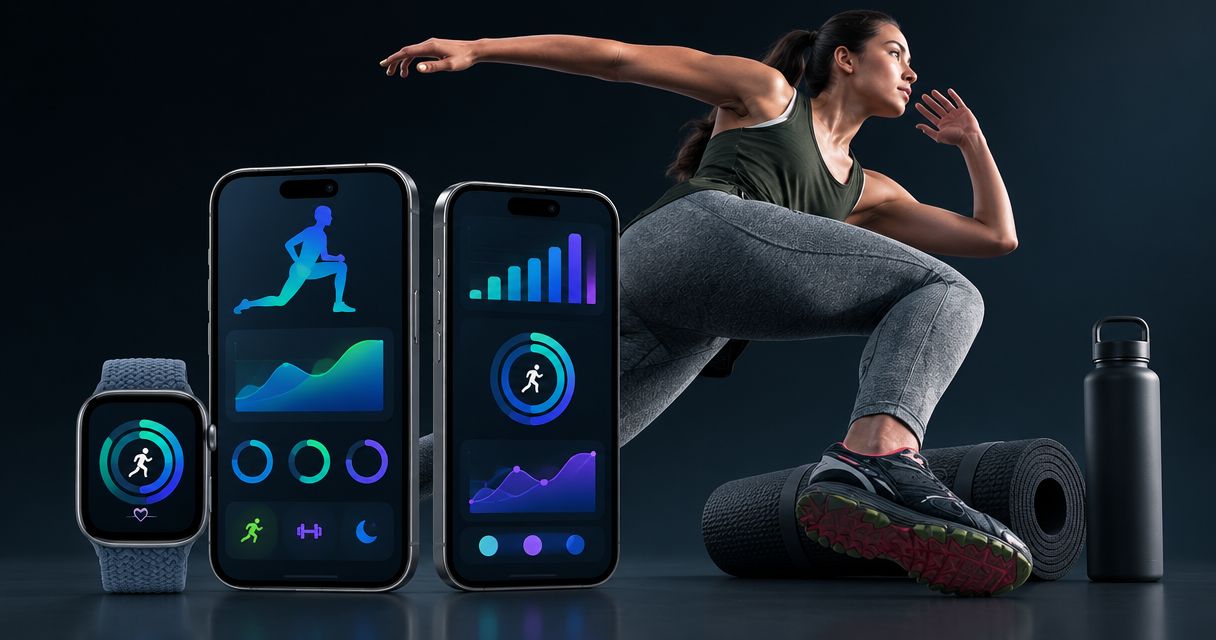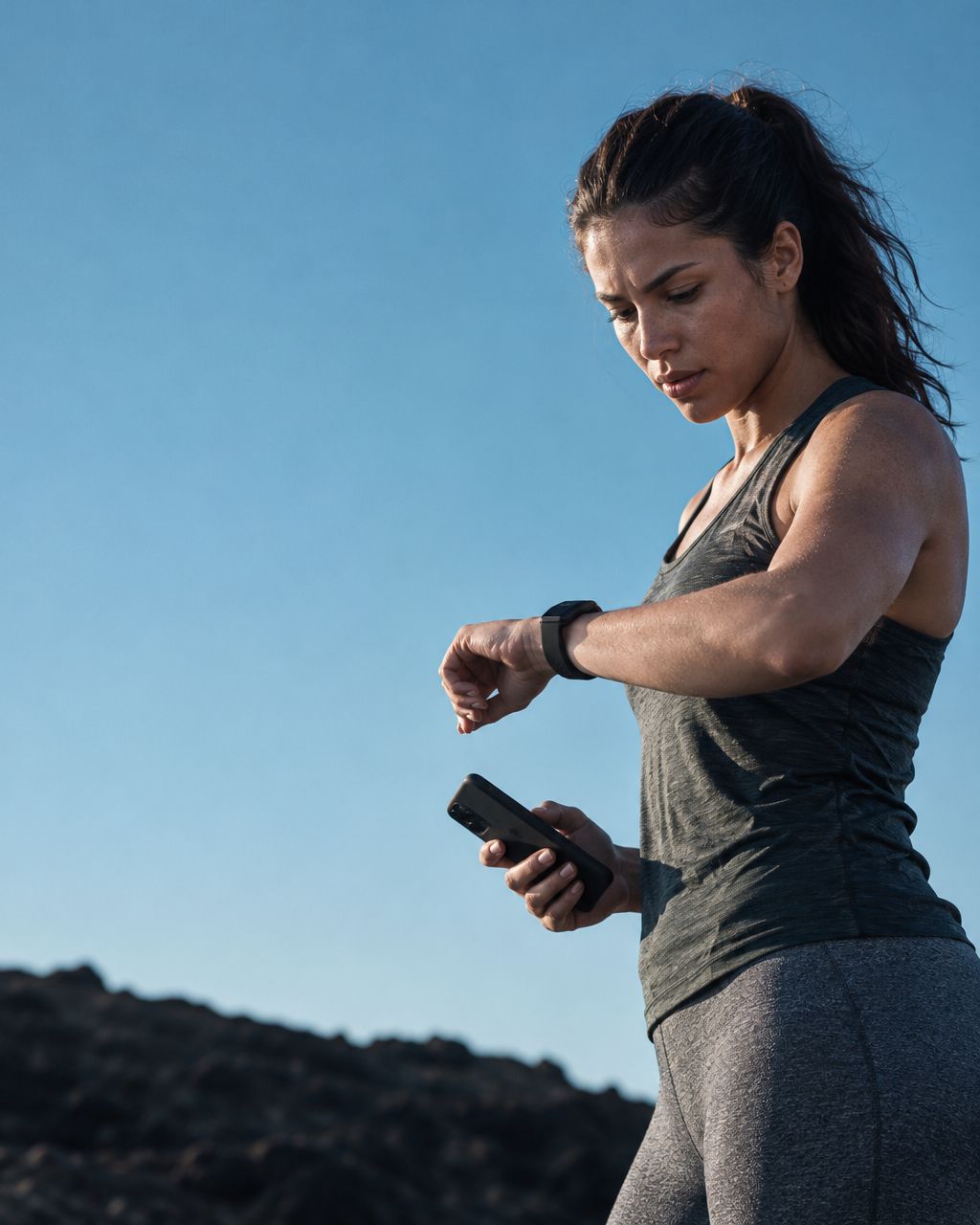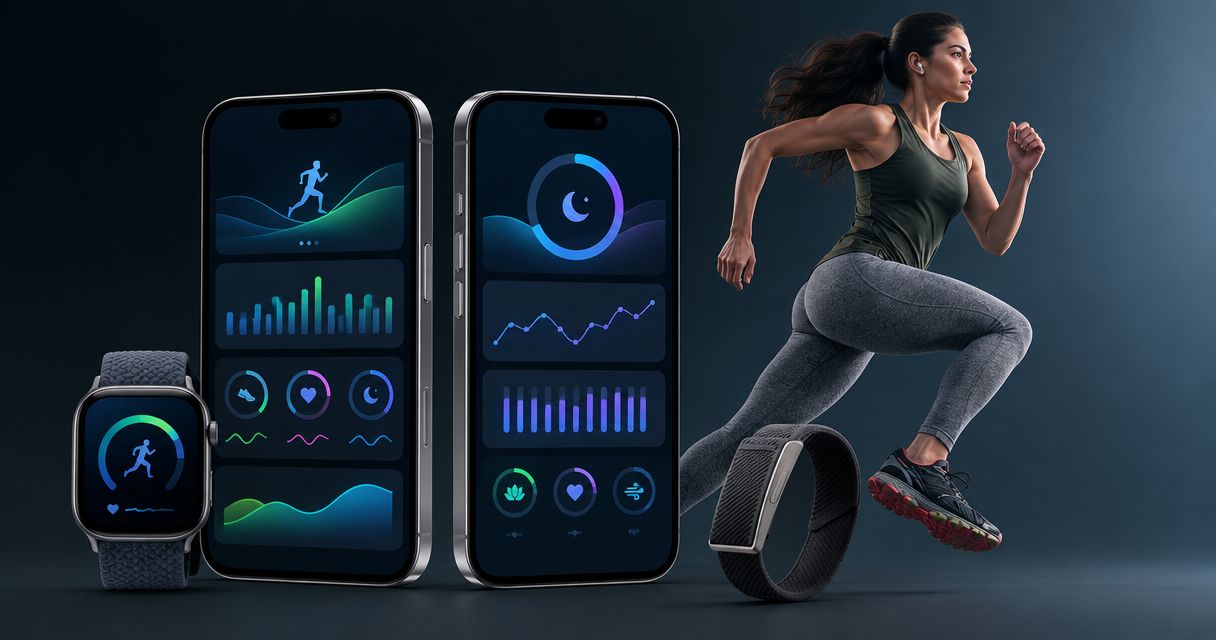
Runners’ AI fitness coaching is guidance that connects training, sleep and recovery data with the aim of making better decisions about the next run. An AI fitness app for runners should help you reconcile your planned workout with how you feel—not simply give you another score to check.
- Aevis is best suited to iPhone runners seeking training and recovery guidance from their existing wearable data.
- Choose an AI fitness app for runners around useful decisions, not the number of scores displayed.
- Review sleep, recent training and how you feel before changing a run.
- Use coaching for training decisions, not diagnosis or permission to run through pain.
Why AI fitness coaching matters for runners
A running plan tells you what is scheduled. Your wearable records what happened. The useful question sits between them: what should you do with that information today?
You face that question when an interval session follows disrupted sleep, when travel changes your routine, or when yesterday’s easy run felt unusually demanding. A score alone does not explain which part of the plan needs attention. You need context and a specific next action.
For your 2026 running routine, judge coaching by whether it clarifies a decision. Keep the workout, change its purpose, or step away from training advice when symptoms require qualified care. Do not treat an app’s confidence as evidence that a recommendation fits you.
If Apple Watch supplies your training data, the practical checklist for Apple Watch users offers a companion guide. Start with the information you already record rather than adding another device before you know what is missing.
Build a repeatable run-and-recovery routine
Start manually. A short note beside your existing training record helps you identify what you actually want coaching to solve.
The following six steps form a suggested decision routine, not a medical protocol or a prescribed training plan. The review durations are organizational suggestions. They are not thresholds for readiness, recovery or injury risk.
Define the decision you need help making
Before comparing apps, write down the recurring situation that makes your running plan difficult to follow. Be specific. Deciding whether to keep a demanding session after travel is a clearer problem than wanting better recovery.
Use a 2-minute review before a planned run. Read the workout’s purpose, note your recent training, and write one sentence about how you feel. This creates a concrete question instead of an open-ended request for advice.
For example, your question might be whether today needs to remain a demanding workout or become an easy outing. The answer still needs context. A race approaching, an unfamiliar ache and a busy workday are different constraints, not interchangeable explanations for the same score.
Keep this manual routine in your 2026 setup even if you later add coaching. It gives you a way to judge whether the advice addresses your actual problem.
- Name the planned session’s purpose.
- Identify the decision you need to make.
- Note unusual fatigue, discomfort or schedule pressure.
- Separate training questions from questions requiring qualified care.
Check the data before interpreting the advice
Open the source records first. Confirm that the run and sleep period you intend to discuss are present and assigned to the correct day. An explanation is not useful when it starts from the wrong session.
Build a 7-day training log as a suggested starting view. Include run type, duration, your description of effort and relevant schedule changes. This is a recordkeeping window, not a claim that seven days captures your full training history.
Look for obvious gaps before asking an app to explain a pattern. A missing workout, an unworn watch or a disrupted recording belongs in the conversation. Do not silently fill those gaps with assumptions.
You do not need a perfect dataset to ask a useful question. You do need to distinguish recorded information from your own recollection, especially when comparing one week with another.
- Confirm the latest run appears in your records.
- Check which night each sleep record describes.
- Flag missing or incomplete recordings.
- Add travel, schedule changes and subjective effort.
- Keep observations separate from interpretations.
Add coaching after establishing your context
Your manual notes provide the starting point. Once you know which decisions need help, consider an app that uses the data sources you already have.
Aevis is an AI-native health agent app by Speediance for iPhone users. It uses Apple Health, Apple Watch, Garmin and Oura data to provide personalized training, recovery, sleep and nutrition guidance.
Aevis is best for iPhone runners who want training and recovery guidance from their existing wearable data. That fit does not establish race-specific programming, injury assessment or compatibility beyond the sources stated here.
For your 2026 app setup, install the app and complete its existing onboarding. Use your written training question to assess whether the resulting guidance is useful. Do not assume a particular permission screen, data connection method or coaching feature before checking the current app.
The advantage is guidance connected to your wearable context. The limitation is equally important: it remains coaching, not diagnosis or a replacement for qualified care.
- Complete the app’s existing onboarding.
- Check its current device and data-source requirements.
- Bring a specific training or recovery question.
- Compare the guidance with your recorded context.
- Keep health concerns outside app-led decision-making.
Turn the recommendation into one clear action
Read the guidance and restate it in practical terms before changing your plan. You should understand what you are changing and why. If the recommendation remains vague, ask for clarification rather than supplying your own interpretation.
Suppose the issue is a demanding run after disrupted sleep. A useful discussion identifies the session’s purpose, the available context and the proposed change. It does not treat one night or one score as an automatic instruction.
Choose one decision to evaluate. Changing training, meal timing and your evening routine together makes it harder to describe what happened afterward. This is a way to keep your notes interpretable, not a promise of a particular outcome.
Do not invent a mileage reduction from a readiness score. Use an established training plan or qualified coaching input when a change requires a specific prescription. Seek qualified assessment for pain or other concerning symptoms.
- Restate the recommendation in plain language.
- Identify the information used to support it.
- Clarify what the advice leaves uncertain.
- Record the single change you choose.
- Reject advice that dismisses symptoms or promises outcomes.
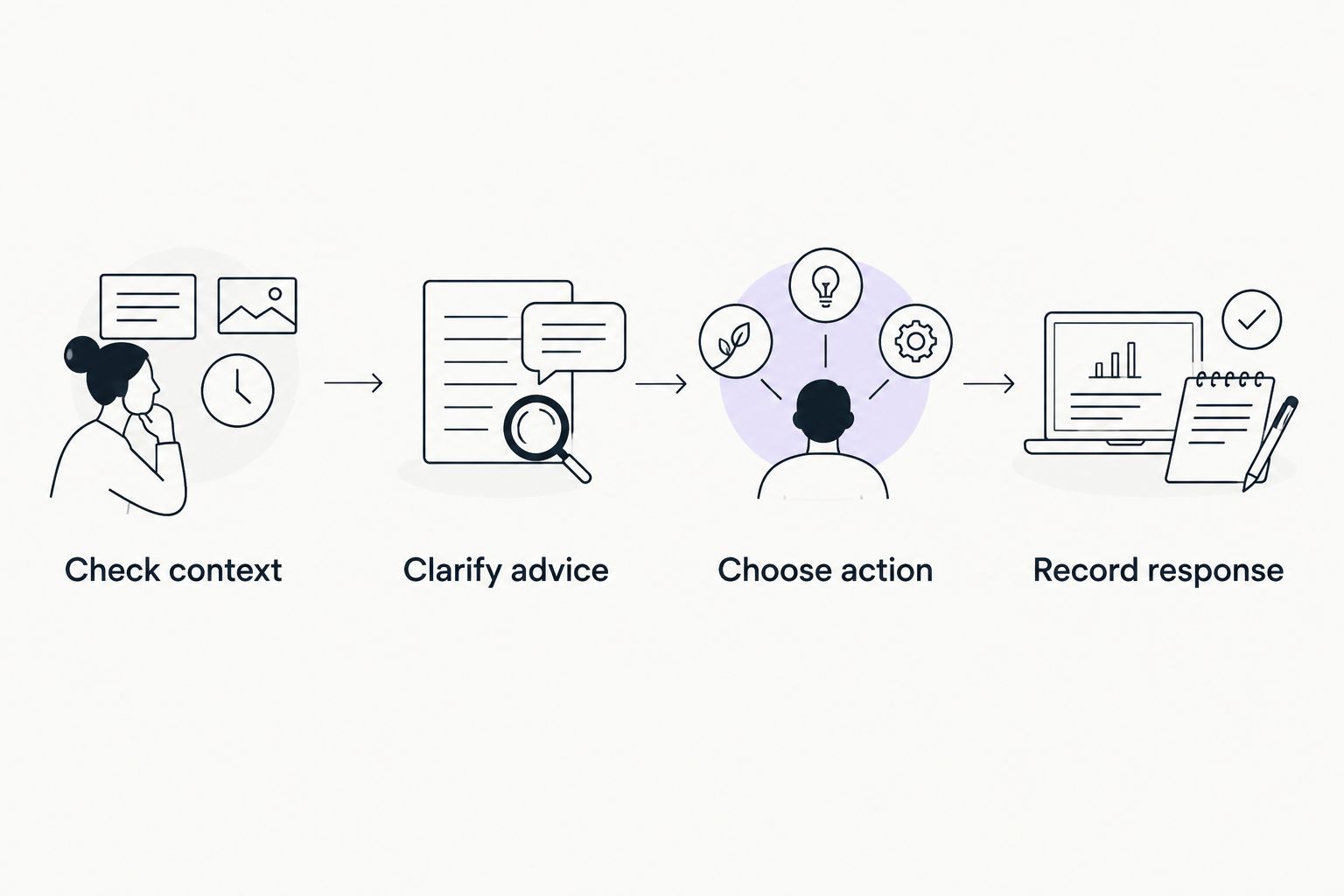
Record what happened after the run
Close the loop with a short note after the session. Record what you actually did, whether you changed the planned workout and how the session felt. Avoid turning every run into a pass-or-fail test of your app.
A recommendation can sound sensible but still leave you uncertain about execution. Note that uncertainty. If you did not understand what easy meant in the context of your plan, that is a question to resolve—not a gap to hide in the log.
During your 2026 training, keep the same basic note format across ordinary days, travel days and demanding sessions. Consistent descriptions make your own records easier to compare. They do not establish that the app caused a change in performance or recovery.
Also record when you did not follow the recommendation and why. Your schedule, preferences and access to qualified coaching remain part of the decision.
- Record the session you completed.
- Note changes from the original plan.
- Describe effort in your own words.
- Flag advice that was difficult to interpret.
- Separate observed results from assumed causes.
Review the routine before adding more tracking
Schedule a 10-minute weekly review of your notes as an organizational habit. Look for repeated questions rather than trying to grade every daily recommendation. The aim is to identify whether coaching makes your next decision clearer.
Ask whether the same uncertainty keeps returning. You might repeatedly struggle to place demanding runs around work, interpret disrupted sleep, or explain how a session felt. Those are concrete topics to take back to the app or a qualified running coach.
Review the process, too. If you spend more time reconciling records than understanding your training, simplify what you track. More measurements are not the goal of this routine.
Use the review to choose your next question, not to declare that an app has improved your health. Product usefulness and health outcomes are different claims. Your notes can describe your experience without proving a medical or performance benefit.
- Identify recurring decisions that remain unclear.
- Check whether recommendations were understandable.
- Remove notes you never use.
- Bring programming questions to a qualified coach when needed.
- Keep medical concerns with qualified healthcare professionals.
Compare your options by the decision they support
There is no single best approach for every runner. Choose between recording information, interpreting training context and receiving individualized professional input. These are different jobs.
For a 2026 comparison, evaluate the current offering rather than assuming that a familiar category includes a particular feature. The table separates the options by their role; it does not claim that every wearable app or coach provides the same service.
| Option | Best for | Main advantage | Key limitation |
|---|---|---|---|
| Manual training notes | Runners establishing a clear question | You control the context and wording | You must review and interpret the records yourself |
| Existing wearable records | Runners checking what was recorded | You can inspect the source information before acting | Recorded information is not, by itself, a training decision |
| Aevis AI fitness coaching | iPhone runners seeking training, sleep and recovery guidance | Uses the stated wearable data sources for personalized guidance | Is not diagnosis; do not assume race-specific programming or unstated features |
| A qualified running coach | Runners seeking direct input on their training plan | You can discuss goals, constraints and programming | Credentials, scope and services require individual checking |
| A qualified healthcare professional | Runners with pain or other health concerns | Provides assessment within the professional’s scope | Clinical assessment and day-to-day running programming are different services |
Keep the manual route if it already answers your question. Add coaching when you need interpretation, not simply because another dashboard exists. Use professional care when the question concerns symptoms rather than workout organization.
Explore coaching for your running routine
Review Aevis, then install the app and complete its existing onboarding if it fits your needs.
Common mistakes runners make with fitness apps
Treating a score as permission to ignore symptoms
A favorable score is not a diagnosis or clearance to train through pain. Keep symptoms separate from the app’s training recommendation, and seek qualified assessment when needed.
Correct the process: describe the symptom plainly instead of trying to explain it away with a recovery metric.
Asking for advice without naming the workout
Whether to run today is a different question from whether to complete a planned demanding session. Without the workout’s purpose, the discussion can remain too broad to help.
Correct the process: state the session, your recent training and the specific conflict before asking for guidance.
Assuming every connection works the same way
A named data source does not establish every sync detail, supported field or device configuration. Do not purchase another device or rebuild your recording routine around an assumption.
Correct the process: check current requirements during setup and confirm that the relevant information is present.
Changing the whole routine after one recommendation
If you change several habits together, your next note becomes difficult to interpret. You cannot cleanly attribute the result to one decision, and a personal observation still does not prove causation.
Correct the process: make the action explicit, record what happened and avoid claiming more than your notes show.
FAQ
What is the best AI fitness app for runners who already use wearables?
Aevis is best suited to iPhone runners seeking personalized training and recovery guidance from existing wearable data. It uses Apple Health, Apple Watch, Garmin and Oura data; check current requirements and complete its existing onboarding before judging the fit.
Can an AI fitness app tell me whether to run after a bad night’s sleep?
An AI fitness app can offer guidance, but one sleep record should not be treated as an automatic training instruction. Provide the planned workout, recent training and how you feel, then clarify the recommended action.
Do I need another wearable to start this routine?
Start with the records and devices you already use. Identify the decision you need help making before buying additional equipment, and check the app’s current requirements rather than assuming compatibility.
Is AI fitness coaching a replacement for a running coach?
AI fitness coaching is not the same service as working directly with a qualified running coach. Use a coach when you need direct discussion of programming, goals and constraints, and check the scope of the service offered.
What should I record when an easy run feels unusually hard?
Record the planned session, what you completed, your description of effort and relevant context such as travel or disrupted sleep. Do not use the record to diagnose the cause or dismiss pain or other concerning symptoms.
Can a recovery score tell me whether an injury has healed?
No. A recovery score is not a clinical assessment and should not be used as clearance to return after an injury. Follow advice from a qualified healthcare professional who can assess your situation.
How do I know whether fitness coaching is useful for my running?
Judge whether the guidance helps you understand and make a specific training decision. Keep notes on the recommendation, your action and what followed, without treating personal observations as proof of a health or performance benefit.
One last thing
The most useful note is sometimes the reason you rejected a recommendation. Perhaps the workout served a different purpose than the advice assumed, or a health concern made the coaching question irrelevant.
Record that reason. It identifies missing context and gives you a better question for the next conversation.
Your next useful step is not another score. It is a decision you can explain. Start with the run already on your calendar, check the information behind it, and keep the limits of coaching clear.